DeepSpace AI Chat
A full ChatGPT-style assistant that answers in real time, reads your files and remembers what matters.
- The problem
Free AI services hit limits and go down without warning, so a chat app built on just one of them simply stops.
- What I did
Built a complete chat product that streams answers, reads files, images and voice, and switches to another AI model when one is busy.
- The result
A ChatGPT-style assistant that keeps answering, with saved chats, memory you control, 7 built-in tools and a private guest mode.
The short version
It's like ChatGPT, but built by me and running on this website. You type a question — or speak it, or attach a file or photo — and the answer appears word by word. Behind the scenes it can use several AI models. If one is busy, it quietly switches to another, so you almost always get an answer.
What it is
DeepSpace is a complete chat product: sign-in, saved conversations, folders, search, sharing, memory and settings — not just a text box. It's built to keep working even when an AI service is busy or down.
Why I built it
Free AI services have usage limits and go down without warning. A chat app that depends on a single service simply stops working when that happens.
What it had to do
- Stream answers in real time, like the big AI apps
- Keep answering even when one AI service fails
- Let people use files, images and their voice — not just text
- Save chats for signed-in users, keep guests private
What it does
Answers stream in word by word, with a Stop button
Several AI models with automatic fallback, so answers keep coming
Attach images, PDFs, Word, text, JSON or XML files
Voice typing, a hands-free voice mode, and “Read aloud” for answers
Clean formatting: headings, tables and code blocks with a Copy button; HTML can be previewed safely
Built-in tools: calculator, today's date, date difference, web search, search your files, read a web page, and run JavaScript safely
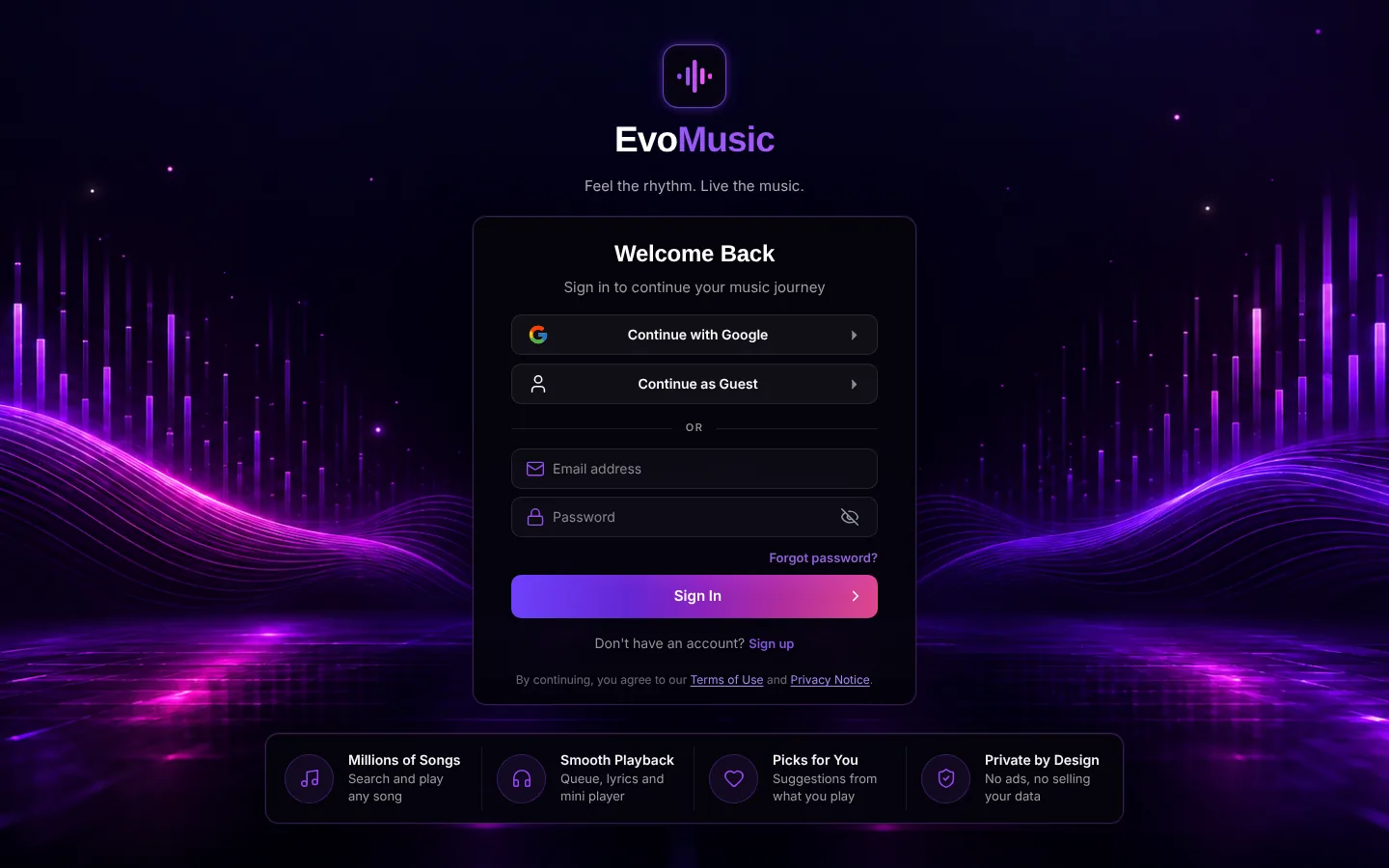
Sign in with Google or GitHub, or continue as a guest (guest chats are never saved)
Chat history with search, folders, pin, rename, archive and delete
Long-term memory you control: “Remember…”, “Forget…”, or edit it in Settings
Share a chat to WhatsApp, Telegram, X, Reddit or email, or export and import all chats
Keyboard shortcuts and a slide-out sidebar on phones
Step by step
- 1
You send a message
Type, speak or attach files. The app checks who you are so your chats stay yours.
- 2
It gathers context
It adds the recent conversation, anything you asked it to remember, your attached files and today's date, so answers are relevant and up to date.
- 3
The best available AI answers
Each kind of question is sent to a suitable AI model. If that model is busy, the next one takes over automatically.
- 4
Tools when needed
If the question needs a calculation, a search or a web page, the tool runs first and its result goes into the answer.
- 5
The answer streams in and is saved
Words appear as they're written. Only finished answers are saved, in the right conversation.
A closer look
Problems I solved
The AI got today's date wrong
AI models guess the date from their training. Now the real date is added to every request.
AI services that go busy or disappear
Services hit limits and retire models. The app keeps a list of alternatives and switches automatically, so one outage doesn't stop the chat.
A model pretending to use the calculator
One model made up a calculator result instead of really calculating. Tool requests now go only to models that can genuinely use tools.
Answers landing in the wrong chat
Switching chats while an answer was streaming could save it in the wrong place. Each answer is now tied to the conversation that asked for it.
Guest privacy
Guests can chat freely without an account, and nothing they write is saved.
Takeaways
- Reliability is a feature: fallbacks matter more than picking the “best” model
- Streaming needs care — save only finished answers, and tie each one to its chat
- Small details (dates, copy buttons, phone layout) are what make it feel real
Built with
Like what you see?
Have a project in mind, or a role I'd be a good fit for? Let's talk.